
Start here
Lesson plans
Choose a plan by what students will practise. The live round is only part of the session. Set aside time for the briefing, writing and discussion.
Open the lesson plans
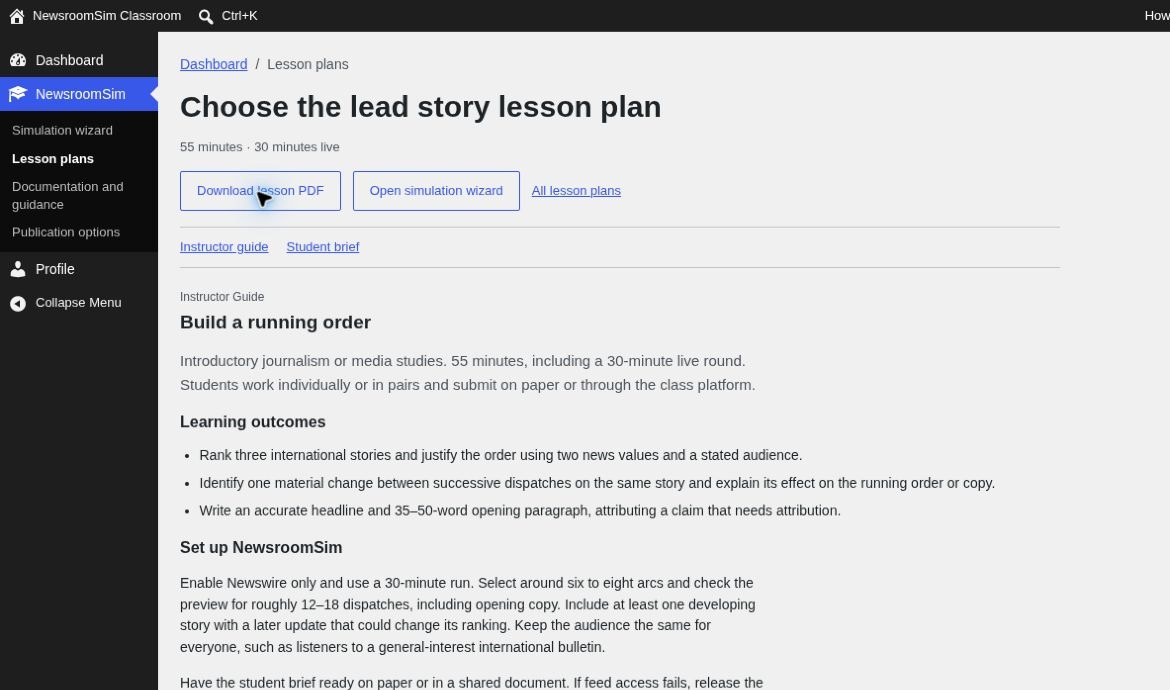
In WordPress, choose NewsroomSim → Lesson plans. Open a plan for the instructor guide, student brief and downloadable PDF. The plans below are the same PDFs supplied in Core 2.7.2.
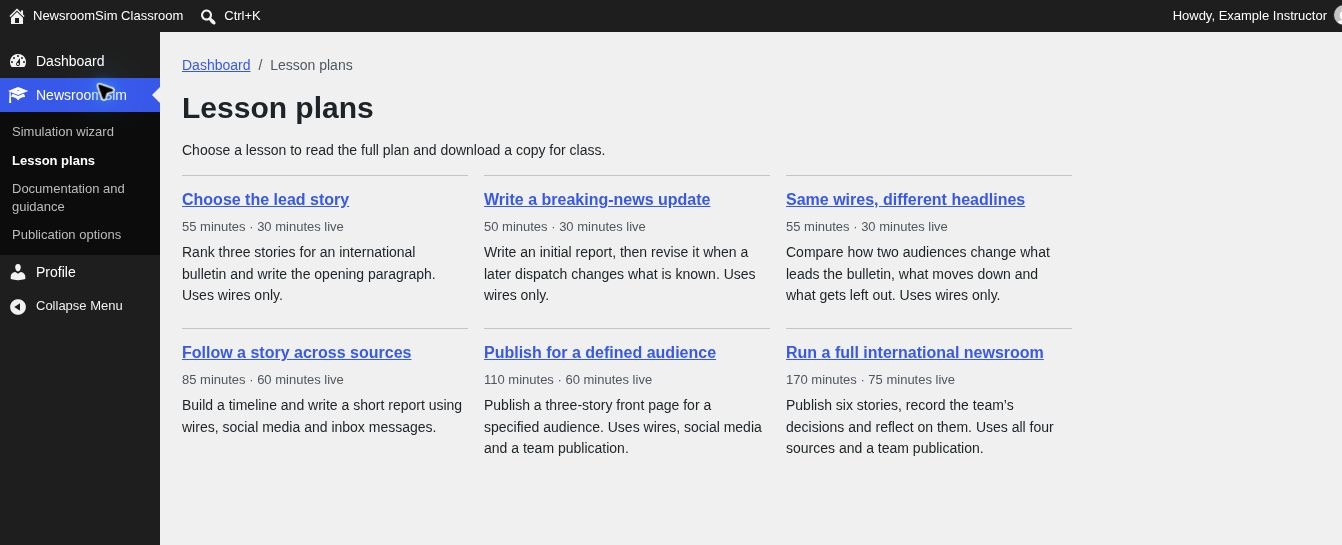
Choose a plan
| Lesson | Total / live | What students do |
|---|---|---|
| Choose the lead story | 55 / 30 min | Rank three wire stories and write an opening paragraph. A good first lesson. |
| Write a breaking-news update | 50 / 30 min | Write an initial wire report, then revise it as the facts change. |
| Same wires, different headlines | 55 / 30 min | Use the same wires to rank stories for two audiences and explain the differences. |
| Follow a story across sources | 85 / 60 min | Compare wires, social posts and inbox messages to build a timeline and write a report. |
| Publish for a defined audience | 110 / 60 min | Use wires and social media to publish a three-story edition for a defined audience. |
| Run a full international newsroom | 170 / 75 min | Use all four sources, publish six stories and reflect on editorial decisions. |
For the two team publishing plans, choose the built-in Publication desk or Google Sites. For the other plans, you can collect the work through your usual classroom workflow. See Choose a publication option.